Download Instagram videos in Full HD 1080p
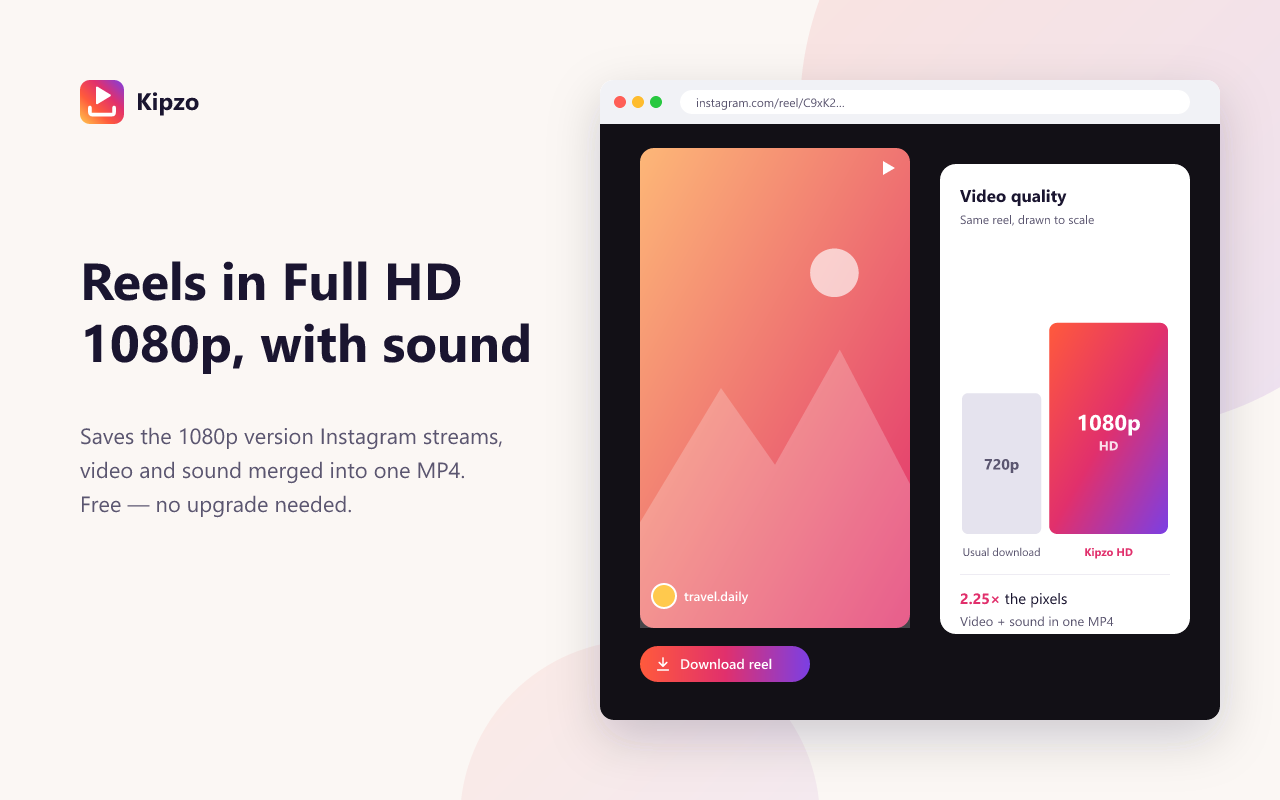
Most Instagram video downloaders hand you the 720p copy. Kipzo fetches Instagram’s 1080p stream and its sound, then merges them into one MP4 on your computer — with a download button on every video you watch.
Free browser extension for Chrome, Edge & Brave on desktop. Not affiliated with Instagram.
Built for people who save a lot
1080p, not 720p
Instagram streams its sharpest version as separate video and audio. Kipzo downloads both and joins them locally, so you get 2.25× the pixels of the usual file — with sound.
Pick the format that plays for you
Keep Instagram’s original 1080p stream, convert to H.264 so it opens in QuickTime and iPhone Photos, or take the fast 720p file. One switch in settings.
Right where you watch
No copying links into a website. A download button sits on every post, reel and profile-grid thumbnail while you browse instagram.com.
Nothing leaves your computer
The merge happens inside your browser. No uploads, no account, no tracking.
How to use the Instagram video downloader
Three steps. No links to copy, no website to paste into.
- 1
Add Kipzo to Chrome
Install it free from the Chrome Web Store — it takes a few seconds.
- 2
Open any Instagram video
Browse instagram.com as usual, signed in to your own account.
- 3
Click Download
The MP4 lands in your Downloads folder, in 1080p when Instagram has it.
Questions, answered
Why are most downloaded Instagram videos only 720p?
Instagram provides a single ready-made file at 720p. The 1080p version exists only as a stream with video and sound split apart, which most tools skip. Kipzo fetches both parts and merges them into one MP4.
Will the 1080p file play on my Mac or iPhone?
Instagram’s 1080p stream uses the VP9 codec, which plays in Chrome, VLC, Windows and Android but not in QuickTime or iPhone Photos. Choose “1080p HD · plays everywhere” in Kipzo settings and it converts the video to H.264 on your computer.
Does every video have a 1080p version?
No. Some uploads are only available in lower resolutions. When there is no 1080p stream, Kipzo saves the best version there is.
Is it really free?
Yes. Kipzo is free, with no sign-up, no download limits and no watermark.
Your next download is one click away
Free forever. No sign-up, no watermark, no limits. Works in Chrome, Edge and Brave.
Coming soon to the Chrome Web Store