Download Instagram photos at full size
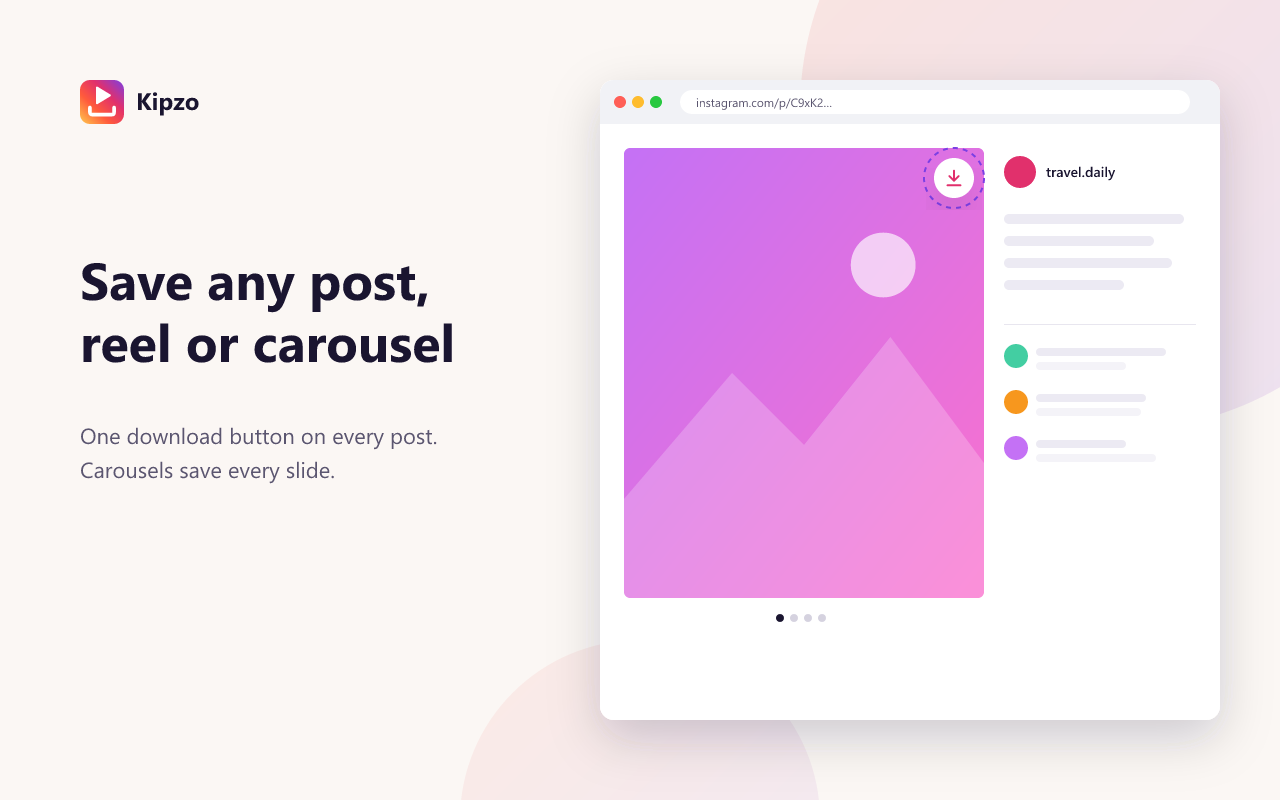
Right-click “save image” gives you a thumbnail — if it works at all. Kipzo saves the full-resolution JPG Instagram stores, and every slide of a carousel, with one click.
Free browser extension for Chrome, Edge & Brave on desktop. Not affiliated with Instagram.
Built for people who save a lot
Full resolution
Kipzo picks the largest version Instagram has of each photo, not the screen-sized preview.
Whole carousels
Posts with several photos and videos are saved slide by slide, numbered in order.
From the grid
Hover a thumbnail on any profile and click Download — no need to open the post.
Your folders, your names
Choose a folder and a name pattern using username, date, year, month and post ID.
How to use the Instagram photo downloader
Three steps. No links to copy, no website to paste into.
- 1
Install Kipzo
Add it free to Chrome.
- 2
Find the photo
Open the post, or hover it in a profile grid.
- 3
Click Download
Every image in the post is saved as a full-size JPG.
Questions, answered
What resolution are the photos?
The largest Instagram serves for that photo — typically up to 1440 pixels wide, depending on the upload.
Can I download a profile picture?
Kipzo focuses on posts, reels, stories and highlights. Profile pictures are not a separate feature today.
Are photos edited or compressed again?
No. Kipzo saves the exact file Instagram serves.
Your next download is one click away
Free forever. No sign-up, no watermark, no limits. Works in Chrome, Edge and Brave.
Coming soon to the Chrome Web Store