Save stories before they disappear
Stories vanish after 24 hours. Kipzo saves an account’s current stories with one click — from the profile or while you watch — and downloads every highlight, each into a folder named after it.
Free browser extension for Chrome, Edge & Brave on desktop. Not affiliated with Instagram.
Built for people who save a lot
All current stories at once
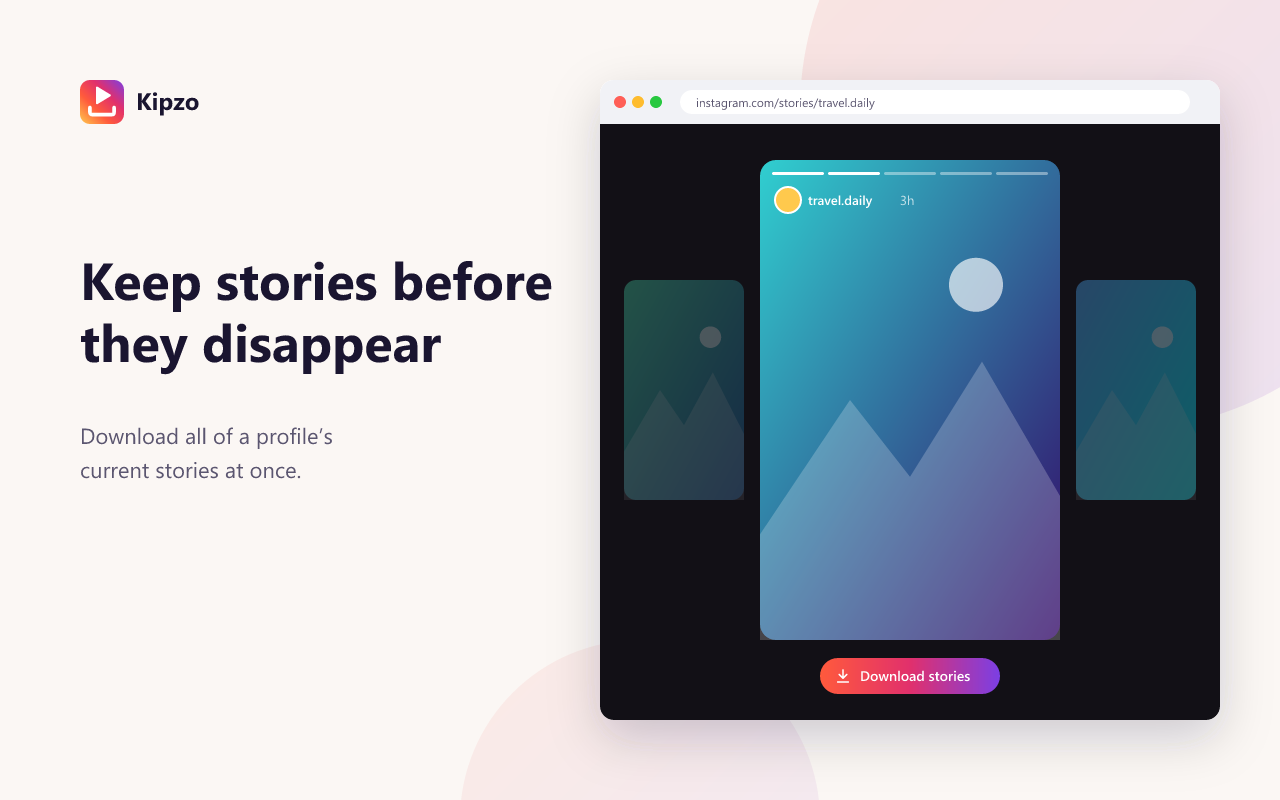
A “Download stories” button appears on profiles with active stories and in the story viewer.
Highlights, organised
Save every highlight on a profile in one click. Each lands in its own folder — Highlights/Travel, Highlights/Food…
Photos and videos
Photo stories are saved as JPG, video stories as MP4 in the best quality Instagram has.
No duplicates
Run it again tomorrow and Kipzo only saves the stories that are new.
How to use the Instagram story downloader
Three steps. No links to copy, no website to paste into.
- 1
Install Kipzo
Free from the Chrome Web Store.
- 2
Open a profile with stories
Or start watching the stories as you normally would.
- 3
Click Download stories
Or Download highlights to save them all into folders.
Questions, answered
Does the account know I saved its story?
Kipzo loads stories the same way Instagram’s website does for your account. As with watching a story on Instagram, the account owner may see you in the viewer list.
Can I save stories that have already expired?
Only if the account kept them in a highlight. Expired stories that aren’t in a highlight are no longer available on Instagram.
Where do highlight files go?
Into your download folder, under Highlights/<highlight name>, so each highlight stays together.
Your next download is one click away
Free forever. No sign-up, no watermark, no limits. Works in Chrome, Edge and Brave.
Coming soon to the Chrome Web Store