Save Instagram Reels in HD, with the sound
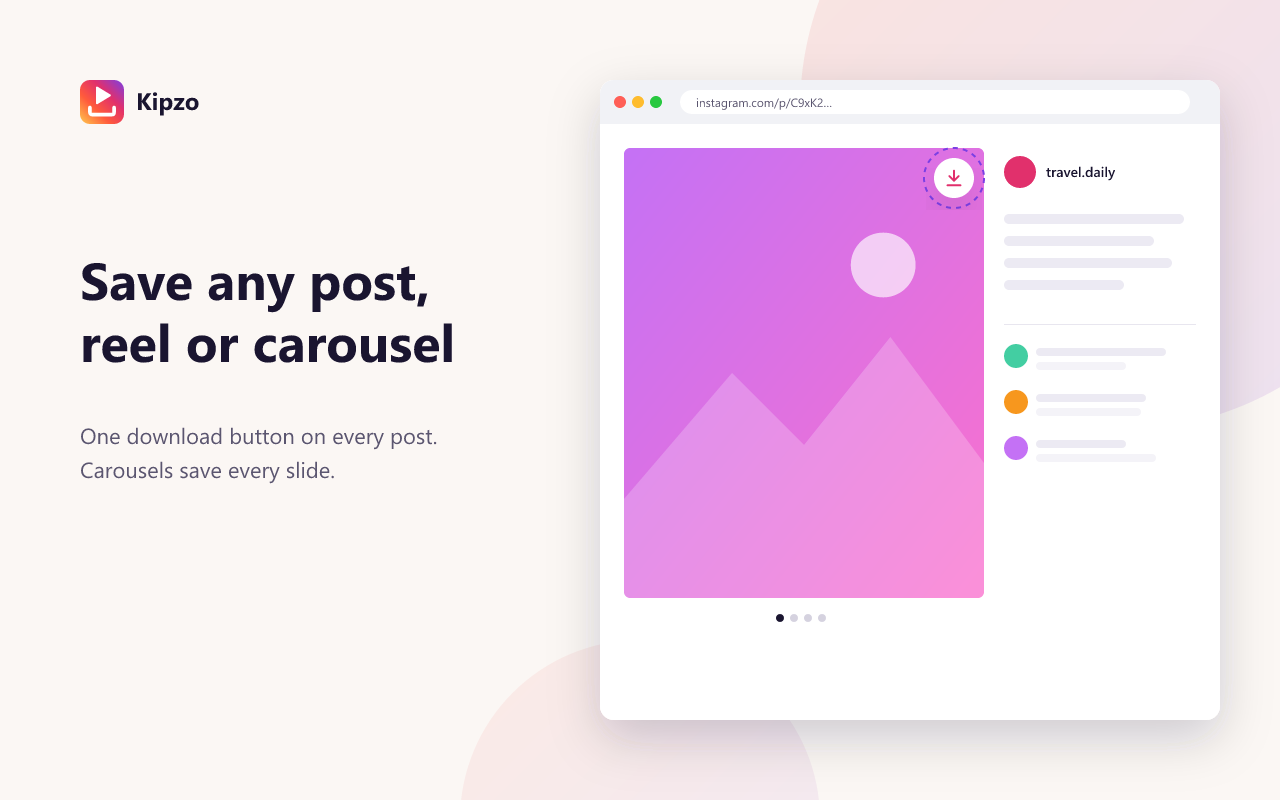
Kipzo adds a download button to every reel on instagram.com. Click it and the reel is saved as an MP4 in up to 1080p with its original audio — or save every reel and post from a profile in one go.
Free browser extension for Chrome, Edge & Brave on desktop. Not affiliated with Instagram.
Built for people who save a lot
Up to 1080p with audio
Kipzo never trades sound for pixels: if the HD stream of a reel has no matching audio, it falls back to the version that does.
One click from the feed
The button is on the reel itself and on profile-grid thumbnails, so you don’t even need to open it.
Every reel from a creator
“Download posts” on a profile saves all of its reels, videos and photos. Already-saved files are skipped next time.
Tidy file names
Name files by username, date or post ID and drop them into a folder per creator — e.g. Kipzo/nasa/nasa_2026-10-01_01.mp4.
How to use the Instagram reel downloader
Three steps. No links to copy, no website to paste into.
- 1
Install Kipzo
Add the free extension to Chrome from the Chrome Web Store.
- 2
Open a reel
Watch it on instagram.com, or open the creator’s profile.
- 3
Save it
Click Download on the reel, or Download posts to save them all.
Questions, answered
Do downloaded reels keep their music?
Yes. Reels are saved with the audio Instagram plays for them. Reels that were uploaded without sound are saved silent, as on Instagram.
Is there a watermark?
No. Kipzo saves the file Instagram serves; it adds nothing to it.
Can I download reels from a private account?
Only if your own Instagram account follows it and can already watch the reels. Kipzo never gets around privacy settings.
Does it work on my phone?
Kipzo is a desktop browser extension for Chrome and Chromium-based browsers such as Edge and Brave. It does not run in mobile apps.
Your next download is one click away
Free forever. No sign-up, no watermark, no limits. Works in Chrome, Edge and Brave.
Coming soon to the Chrome Web Store